Understanding TradingView and Its Features
In the dynamic landscape of trading, having the right tools at your disposal is crucial. TradingView stands out as a powerful platform that integrates comprehensive market analysis, charting capabilities, and social interaction among traders. This article aims to provide an in-depth exploration of TradingView's features, benefits, and how traders of all levels can optimize their experience on this multi-faceted platform.
What is TradingView?
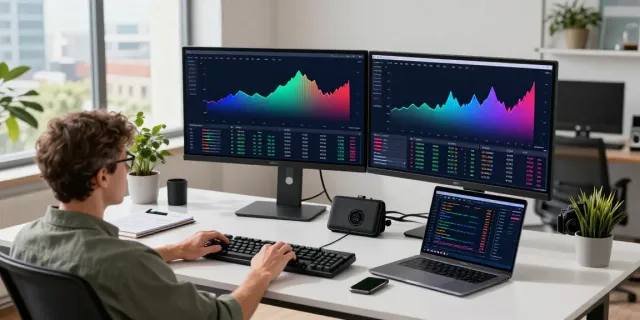
TradingView is a web-based platform designed for traders and investors to track financial markets and engage with fellow traders. It combines advanced charting tools and social networking features, allowing users to create, share, and discuss trading ideas with a global audience. Whether you are interested in stocks, forex, cryptocurrencies, or other financial instruments, TradingView provides a centralized location to analyze market trends and strategies.
Core Features of TradingView
TradingView is equipped with a robust set of features tailored to meet the diverse needs of traders:
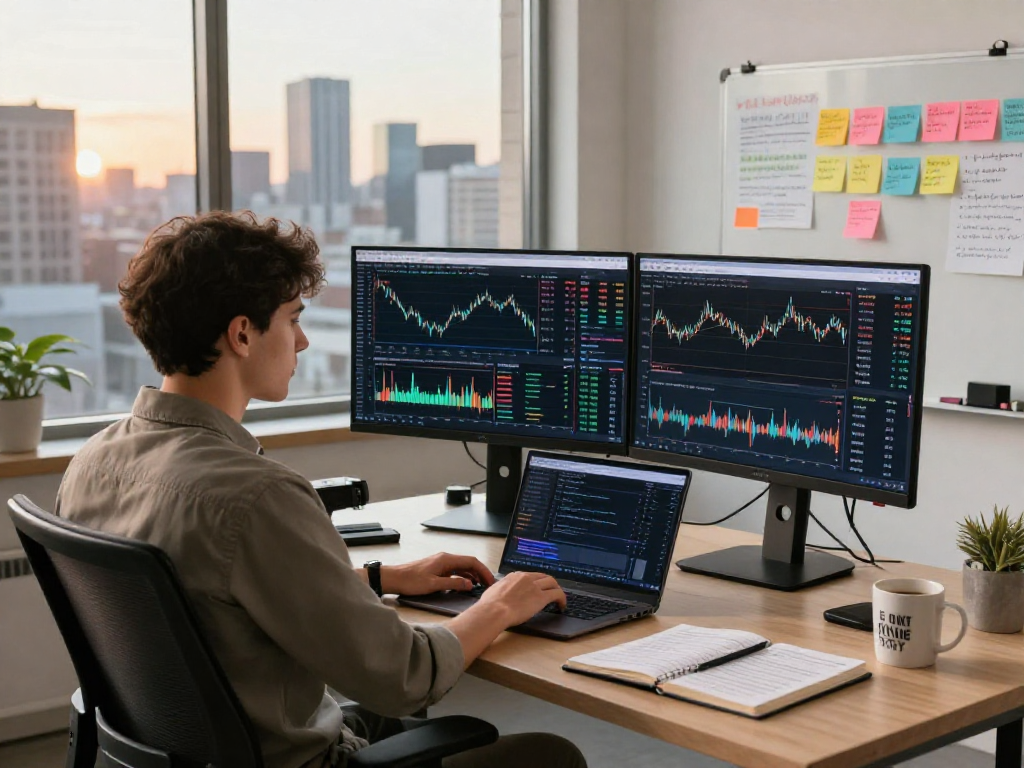
- Charting Tools: Users can access extensive charting capabilities that include technical indicators, drawing tools, and custom scripts.
- Market Coverage: The platform covers a wide array of financial markets, ensuring that traders can analyze various asset classes seamlessly.
- Alerts: TradingView allows users to set price alerts based on market conditions, helping them stay informed about critical changes.
- Strategy Tester: This feature enables traders to test their strategies against historical data, refining approaches before implementing them in real-time.
- Community Insights: Users can share and receive feedback on trading ideas through the community's contributions, providing a collaborative environment for learning and improvement.
Benefits of Using TradingView for Traders
Choosing TradingView as your trading platform comes with several distinct advantages:
- Accessibility: As a web-based platform, TradingView is accessible from any device with an internet connection, including desktop and mobile devices.
- User-Friendly Interface: The intuitive layout makes it easy for both beginners and experienced traders to navigate through various functionalities without a steep learning curve.
- Real-Time Data: Traders benefit from real-time market data, enabling timely decisions that can impact trading outcomes significantly.
- Versatility: TradingView supports multiple asset classes, making it a one-stop solution for diversification in trading portfolios.
Setting Up Your TradingView Account
Creating a TradingView account is a straightforward process that unlocks access to the platform's powerful tools. Follow these steps to establish your account:
Step-by-Step Account Registration
To get started, visit the TradingView website and click on the “Join for free” button. You can register using an email account, your Google account, or your Facebook account. Upon completing the registration process, confirm your email address to activate your account.
Customizing Your Workspace
Once registered, you can customize your TradingView workspace to suit your trading style. The platform allows you to adjust the layout, choose color schemes, and create multiple chart layouts tailored to different assets or strategies. You can also save your settings for future sessions, ensuring a personalized trading experience.
Integrating Brokers with TradingView
TradingView supports integration with various brokerage accounts, allowing you to execute trades directly from the platform. Check the list of supported brokers in your region to connect your account seamlessly. This integration provides the convenience of trading and analysis in one place.
Utilizing TradingView for Multi-Asset Analysis
TradingView's comprehensive functionalities make it an ideal platform for analyzing various asset classes such as stocks, forex, and cryptocurrencies:
Analyzing Stocks, Forex, and Cryptocurrencies
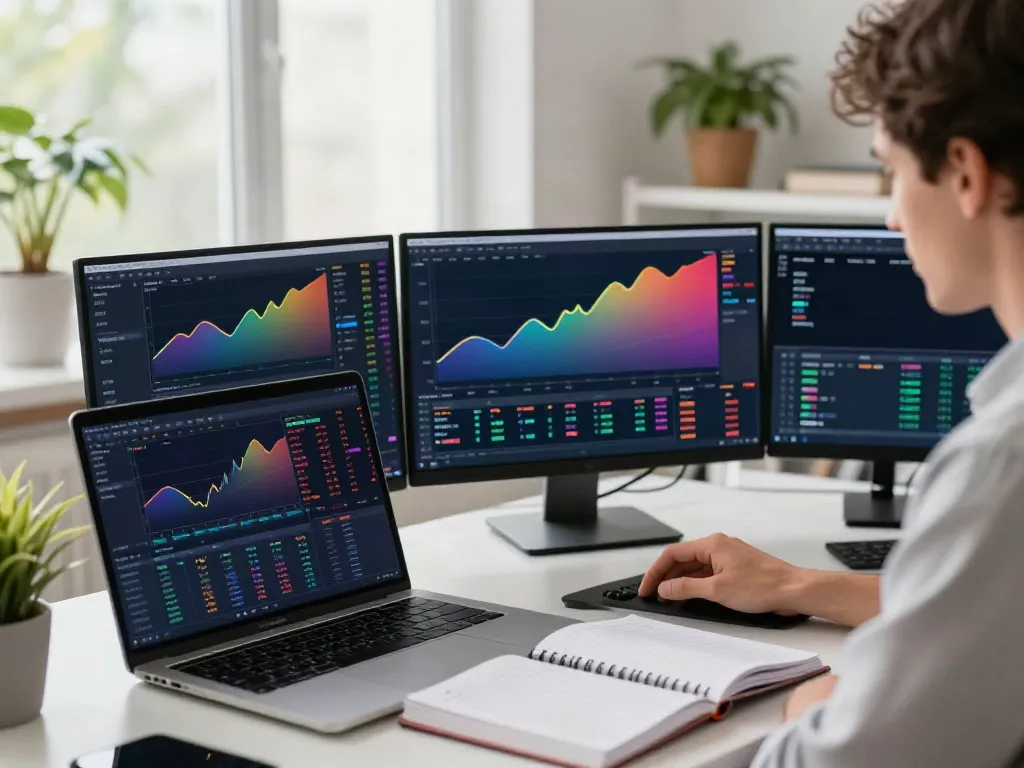
With TradingView, users can switch seamlessly between different markets. The platform provides access to a wide range of investment options, including major stock indices, forex pairs, and thousands of cryptocurrencies. Traders can utilize various technical indicators and overlays to generate insights into market trends for informed decision-making.
Setting Up Alerts and Notifications
To ensure that you do not miss critical market movements, TradingView allows users to set up customizable alerts based on specific conditions. You can receive these alerts via email or push notifications on your mobile device, which is particularly helpful for day trading or monitoring positions across different time zones.
Using Technical Indicators and Custom Scripts
TradingView offers a vast library of technical indicators, including moving averages, RSI, and MACD, which can be easily applied to charts. Additionally, the platform includes Pine Script, a programming language that allows users to create custom indicators and automated strategies tailored to individual trading styles.
Advanced Trading Strategies with TradingView
For traders looking to enhance their strategies, TradingView provides several advanced features:
Developing a Reproducible Trading Strategy
The essence of successful trading lies in developing a strategy that can be consistently repeated. With TradingView, traders can document their rules, test their ideas, and adjust based on market conditions. By utilizing the platform's extensive tools, you can formulate a robust trading plan that performs well over time.
Backtesting Strategies with the Strategy Tester
TradingView's Strategy Tester is a standout feature, providing traders with the ability to backtest their strategies against historical data. By analyzing performance metrics such as win rate and drawdown, users can refine their approaches before risking actual capital in live markets.
Learning from the Community Insights
The community aspect of TradingView allows users to learn from shared experiences and trading ideas. Engaging with other traders through the social features can lead to invaluable insights, new strategies, and collaborative learning opportunities that enhance your trading journey.
Future Trends and Innovations in TradingView
As technology continues to evolve, TradingView adapts by incorporating new features and enhancing user experience. Here are some anticipated trends:
Emerging Features in 2026
In 2026, TradingView is expected to launch several innovative features, including advanced machine learning tools that analyze trading patterns and provide predictive analytics capabilities. These enhancements aim to empower traders with stronger decision-making support based on data-driven insights.
Impact of AI on Trading Strategies
Artificial intelligence is likely to play a significant role in shaping trading strategies in the coming years. TradingView may integrate AI-driven features that help traders optimize their strategies, predicting market movements with increased accuracy.
Community Growth and User Engagement
As more traders discover the advantages of TradingView, community growth is expected to expand significantly. Enhanced engagement tools and features that facilitate real-time discussions and collaborative projects may emerge, creating a more vibrant trading ecosystem.
How to Maximize TradingView for Your Investment Goals?
To fully leverage the capabilities of TradingView, take the time to explore its various tools and features. Regularly engage with the community, participate in discussions, and adapt your strategies based on your findings. Stay updated on emerging features and continuously refine your trading methods to align with market dynamics.
What makes TradingView stand out from other trading platforms?
TradingView's unique combination of advanced charting capabilities, social networking features, and comprehensive market data makes it stand apart from other platforms. It caters to all levels of traders, providing tools that enhance market analysis and collaborative learning.
Is TradingView suitable for beginners?
Absolutely. TradingView's user-friendly interface, extensive educational resources, and community support provide an ideal environment for beginners to learn and develop their trading skills.
Can TradingView be used for automated trading?
While TradingView itself does not facilitate automated trading directly, the platform's integration with various brokers allows users to execute trades based on predefined strategies and alerts set on the platform.
How can I access TradingView on mobile devices?
TradingView offers a mobile app that can be downloaded on both iOS and Android devices, providing traders with the flexibility to analyze markets and manage trades on the go.
Are there any costs associated with using TradingView?
While TradingView offers a free tier with limited features, users can upgrade to a paid subscription for access to more advanced tools and capabilities, including additional chart layouts and premium indicators.