OpenClaw: The Revolutionary AI Assistant for Enhanced Productivity in 2026
Understanding OpenClaw: Features and Capabilities
OpenClaw is an innovative personal AI assistant designed to enhance productivity and streamline daily tasks. As we enter 2026, the significance of AI in personal and professional settings has grown tremendously. OpenClaw not only simplifies routine operations like email management and calendar coordination but also integrates seamlessly with over 100 messaging platforms, providing a versatile solution for users. When exploring options, openclaw offers comprehensive insights into how AI can transform your daily interactions and workflows.
What is OpenClaw and How Does It Work?
OpenClaw functions as a self-hosted personal AI assistant that operates on your hardware or through cloud services. It harnesses the power of various AI models, allowing users to interact with it via popular messaging platforms like WhatsApp, Telegram, and Slack. Utilizing a modular approach, OpenClaw can be customized with plugins and skills that enhance its capabilities.
Core Features of OpenClaw: A Comprehensive Overview
- Multi-Platform Support: OpenClaw is compatible with macOS, Windows, and Linux, allowing for easy deployment on various systems.
- Data Sovereignty: Users maintain full control over their data, ensuring privacy and security through self-hosting options.
- Adaptive Learning Engine: The assistant learns from user interactions, adapting its responses and improving its functionality over time.
- Modular Plugin System: Users can enhance OpenClaw’s capabilities by adding community-developed modules or creating their own.
- Native System Access: Execute system commands and run scripts via a conversational interface, boosting efficiency in task execution.
Benefits of Self-Hosting OpenClaw for Data Sovereignty
Self-hosting OpenClaw offers significant advantages, particularly regarding data sovereignty. Users can manage their data privately, bypassing the pitfalls associated with cloud-based solutions. This means all interactions, preferences, and sensitive information remain within the user’s environment, minimizing the risk of data breaches and misuse.
Setting Up OpenClaw: Step-by-Step Guide
Cloud vs. Self-Hosting: Which Is Right for You?
Choosing between cloud and self-hosting options boils down to user needs. Those who prefer minimal maintenance and fast deployment may opt for cloud hosting, while power users and organizations prioritizing security may choose self-hosting for full control. OpenClaw offers flexibility to cater to both preferences.
Installation Process for OpenClaw on Various Platforms
Installing OpenClaw is straightforward, regardless of your operating system. Mac users can utilize Homebrew for a seamless installation by simply running `brew install openclawd`. For those on Windows or Linux, the Node Package Manager (npm) is also available. After installation, users can finalize their setup by executing `openclawd onboard`, which guides them through API credential establishment.
Configuration Tips for Optimizing Your Experience
To get the most out of OpenClaw, consider customizing its settings based on your usage patterns. For instance, adjust notification preferences for different messaging platforms to not miss important updates. Moreover, enabling modular skills that align with your tasks can greatly enhance productivity.
Integrating OpenClaw with Popular Messaging Services
How to Connect OpenClaw to WhatsApp and Telegram
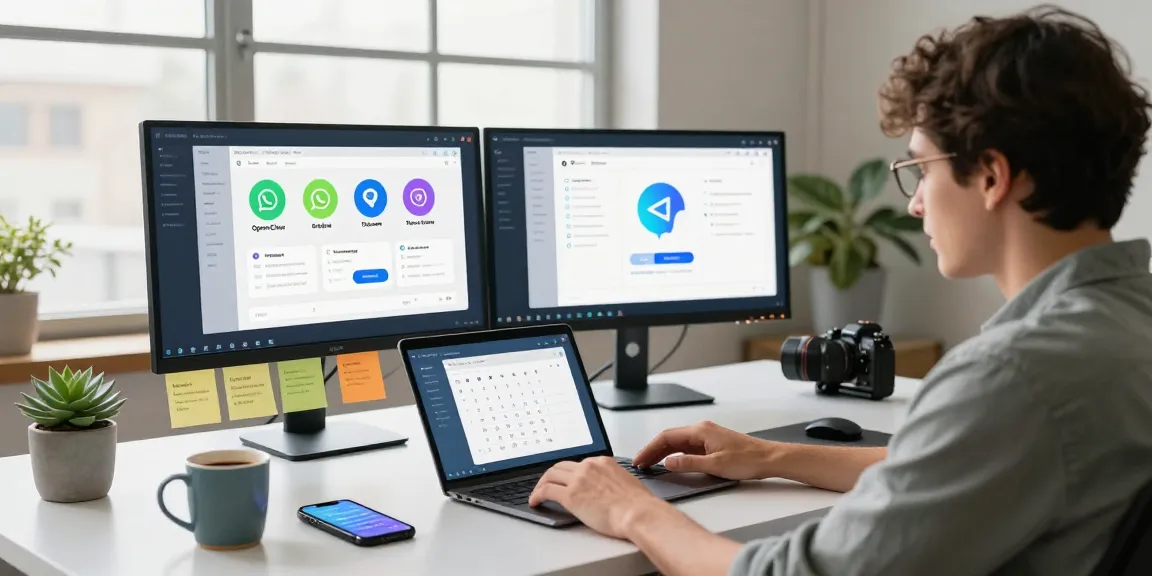
Integrating OpenClaw with messaging services like WhatsApp and Telegram is essential for maximizing its utility. Users can set up these connections during the initial configuration phase, allowing for smooth communication right from the start. OpenClaw can handle tasks such as sending messages and managing conversations automatically.
Utilizing OpenClaw with Slack and Discord for Collaboration
For team environments, OpenClaw offers robust integration with Slack and Discord. These platforms allow for collaborative interactions where the AI can manage group discussions, summarize messages, and facilitate task assignments. Setting up these integrations enhances team dynamics and streamlines communication.
Best Practices for Managing Notifications and Interactions
- Prioritize Notifications: Set up priority levels for notifications to focus on what matters most.
- Daily Summaries: Configure OpenClaw to provide daily summaries of important messages to keep you informed without overwhelming you.
- Interaction History: Regularly review interaction histories to adjust settings and improve personalization.
Real-World Applications of OpenClaw
Case Studies: OpenClaw in Different Professional Environments
OpenClaw has found its place in diverse professional settings. For instance, a product manager utilized OpenClaw to intelligently sort emails and coordinate meetings effortlessly, demonstrating how AI can alleviate administrative burdens. Similarly, software engineers have leveraged OpenClaw for automating deployment notifications and tracking project updates.
OpenClaw for Personal Productivity: Success Stories
From freelancers to entrepreneurs, users are finding innovative ways to incorporate OpenClaw into their daily routines. Freelancers have reported significant reductions in time spent managing client communications, while entrepreneurs have noted improved time management and task execution.
Community Contributions: Enhancing OpenClaw’s Capabilities
The vibrant OpenClaw community is pivotal in developing new modules and skills. Users are encouraged to share their innovations on platforms like GitHub, fostering a collaborative environment that continually enhances OpenClaw’s functionalities. This open-source model ensures a steady stream of updates and improvements driven by user feedback.
The Future of AI Personal Assistants: Trends to Watch in 2026
Advancements in AI Technologies and OpenClaw’s Role
As AI technology evolves, OpenClaw positions itself at the forefront, adapting to emerging trends such as natural language processing advancements and enhanced user interaction dynamics. The focus will be on improving contextual understanding and predictive capabilities, further streamlining user experiences.
How OpenClaw Adapts to Emerging User Needs
With the fast-paced changes in technology, OpenClaw is committed to staying relevant. This includes refining its learning algorithms to better anticipate user requirements, thereby providing more proactive assistance rather than reactive responses.
Predictions for AI Assistant Integration in Daily Life
Looking ahead, AI personal assistants like OpenClaw will become integral to everyday life, with predictions that they will manage more than just communication and task management. Future iterations may include seamless integration with smart home devices and IoT systems, further establishing their role in holistic digital management.
Frequently Asked Questions
What is OpenClaw?
OpenClaw is an open-source personal AI assistant that automates tasks and integrates with various messaging platforms to enhance productivity and streamline workflows.
Can I self-host OpenClaw?
Yes, OpenClaw can be self-hosted on various platforms, allowing users to maintain control over their data and enhance security.
How secure is my data with OpenClaw?
OpenClaw emphasizes data sovereignty, ensuring that all user interactions and information remain on the user’s hardware unless specifically configured for external access.
What platforms does OpenClaw support?
OpenClaw supports a multitude of platforms, including WhatsApp, Telegram, Discord, Slack, and iMessage, facilitating broad communication capabilities.
Is OpenClaw user-friendly for beginners?
OpenClaw is designed to be intuitive, with straightforward installation and setup processes, making it accessible for users of all technical backgrounds.